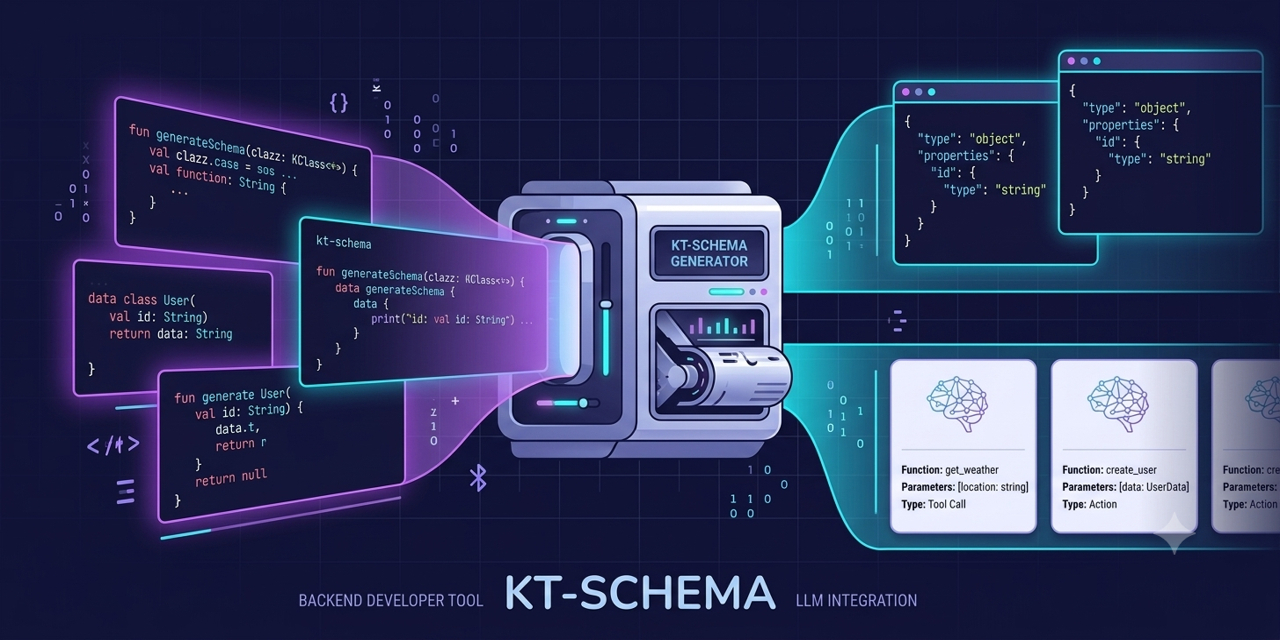
Generate JSON schemas and LLM function calling schemas from Java and Kotlin code — including classes you don't own.
Documentation
kt-schema generates JSON Schema and LLM function calling schemas from Kotlin and Java code. Choose the generation path that matches how your models are built and deployed, annotate (or don’t), and read the schema from a generated extension, a classpath resource or a runtime call.
Why kt-schema?
- 🤖 LLM function calling: generate tool definitions for OpenAI, Anthropic and MCP directly from Kotlin functions, with proper type definitions and descriptions.
- 📦 Third-party classes: create schemas for library classes without modifying their source (Spring entities, Ktor models, etc.).
- 🔄 Multi-framework compatibility: works with existing annotations from Jackson, LangChain4j, Koog and more, with no code changes.
Choosing Your Approach
| 🔧 KSP Processor | ☕ Java APT | 📦 Serialization-based | 🔍 Runtime Reflection | |
|---|---|---|---|---|
| Platforms | JVM + Multiplatform | JVM only | JVM + Multiplatform | JVM only |
| When generated | Compile-time | Compile-time | Runtime | Runtime |
| Requires annotation processor | Yes (KSP) | Yes (APT) | No | No |
Class must be @Serializable | No | No | Yes | No |
Annotate class with @Schema | Required | Not required¹ | Not required | Not required |
| KDoc extracted to description | ✅ | ❌ | ❌ | ❌ |
| Extract default values | Partial² | Partial² | ❌ | ✅ |
| Third-party classes | ❌ | ❌ | ✅ (only @Serializable) | ✅ any JVM class |
¹ with the rootPackage option — see Java Annotation Processor Guide
.
² Jackson’s @JsonEnumDefaultValue becomes the enum’s default. Kotlin/Java default-value expressions can’t be
evaluated at compile time, so no property default is emitted — see
Multi-Framework Annotation Support
.
- Pick KSP when you own the classes, want zero runtime overhead, and target Multiplatform or need KDoc in your schema.
- Pick Java APT when your code is plain Java (no Kotlin) and you want zero runtime overhead. Supports Java records, classes, interfaces and enums.
- Pick Serialization-based
when your classes are already
@Serializableand you need Multiplatform support without a build-time processor. - Pick Reflection
when you need JVM-only runtime generation for third-party classes, or
need to extract data class default values. Works equally well for
@Serializableclasses on JVM.
Quick Start
Refer to the example projects .
Annotate Your Models
/**
 * A postal address for deliveries and billing.
 */
@Schema
data class Address(
    @Description("Street address, including house number") @Size(max = 120) val street: String,
    @Description("City or town name") @Size(min = 1, max = 80) val city: String,
    @Description("Postal or ZIP code") @Pattern(regexp = "[0-9]{5}") val zipCode: String,
    @Description("Two-letter ISO country code; defaults to US") @Pattern(regexp = "[A-Z]{2}") val country: String = "US",
)
Generated JSON schema (KSP, default strict config)
{
    "$schema": "https://json-schema.org/draft/2020-12/schema",
    "$id": "com.example.Address",
    "description": "A postal address for deliveries and billing.",
    "type": "object",
    "properties": {
        "street": {
            "type": "string",
            "description": "Street address, including house number",
            "maxLength": 120
        },
        "city": {
            "type": "string",
            "description": "City or town name",
            "minLength": 1,
            "maxLength": 80
        },
        "zipCode": {
            "type": "string",
            "description": "Postal or ZIP code",
            "pattern": "[0-9]{5}"
        },
        "country": {
            "type": "string",
            "description": "Two-letter ISO country code; defaults to US",
            "pattern": "[A-Z]{2}"
        }
    },
    "additionalProperties": false,
    "required": [
        "street",
        "city",
        "zipCode",
        "country"
    ]
}
Note: KDoc comments on classes can also be used as descriptions. Jakarta Bean Validation annotations such as
@Sizeand@PatternbecomemaxLength,minLengthandpattern— see Validation Constraints .
Quick Setup
Add the Google KSP plugin and the processor dependency:
// Multiplatform (KMP)
plugins {
    kotlin("multiplatform")
    id("com.google.devtools.ksp") version "<ksp-version>"
}

dependencies {
    add("kspCommonMainMetadata", "me.kpavlov.kt.schema:kt-schema-ksp:<version>")
    implementation("me.kpavlov.kt.schema:kt-schema-annotations:<version>")
}

kotlin {
    sourceSets.commonMain.kotlin.srcDir("build/generated/ksp/metadata/commonMain/kotlin")
}
Then read the schema from the generated extension:
val schema: String = Address::class.jsonSchemaStringFor JVM-only projects and all processor options, see the KSP Configuration Guide . To see what the schema contains, see Generated Schemas .